How to Use Create a Cart Ride Scripts
Typical inject-and-execute flow, warning signs, and why patch day breaks most GUIs.
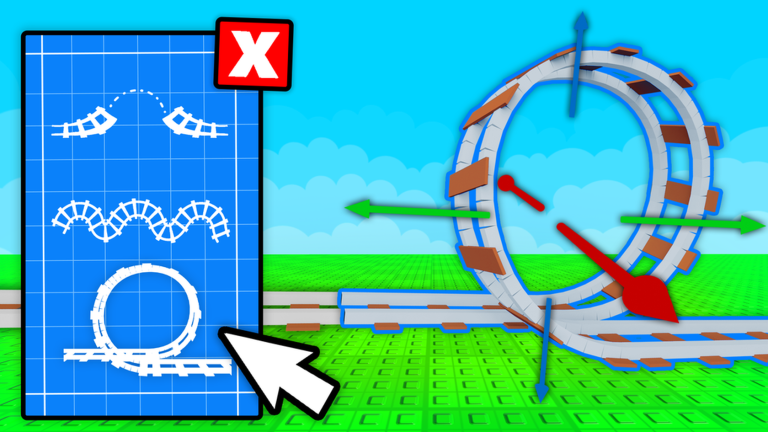
This page documents the common workflow people describe when running Create a Cart Ride scripts. It is educational. Automating Roblox experiences can break platform rules—proceed only if you accept that risk. For cart progress without executors, use active codes and unlock carts.
Typical workflow people describe
- Install a Windows or mobile executor that claims Roblox support.
- Launch Roblox and join Create a Cart Ride.
- Open the executor and inject or attach to the Roblox process.
- Paste a script loadstring or full source into the executor editor.
- Press Execute and wait for a GUI.
- Toggle features such as auto collect, teleport, or magnet wheels.
If injection fails after a Roblox client update, the script is useless until the executor updates—another reason Friday patches and client bumps frustrate script users. Check Friday updates when something suddenly stops.
Red flags while “learning” scripts
- Sites that force endless key-bypass surveys
- Downloads packaged with random crack tools
- Scripts that ask for your Roblox password
- GUIs that require you to disable Windows Defender permanently
- Discord DMs selling “private” Create a Cart Ride scripts for Robux
Walk away from those. Return to the scripts hub overview or switch to legitimate play guides like how to play.
Why scripts break often
Create a Cart Ride updates weekly. Teleport attachments, cart IDs, and world layouts change. A collect-all script that worked last month may softlock you in a deleted place or spam teleports into void. After every Friday drop, reassess whether you still need automation at all—many players only needed help finishing one stubborn unlock cart.
Better habits if you still experiment
- Use a secondary account.
- Enable only one feature at a time so you can identify crashes.
- Keep a note of which cart you were farming in the unlock checklist.
- Learn manual recovery: controls for V unstuck and Ctrl+R reset.
- Read best scripts for feature expectations before pasting anything.
Legitimate speed tips instead of scripts
- Redeem every working code the same day.
- Pick a compact cart for obstacle-heavy unlock worlds (best grind carts).
- Practice building smooth transitions so your own rides earn likes (how to build).
- Track playtime milestones honestly with the unlock checklist.
Related pages
Knowledge beats blind paste. If your goal is collecting carts, a disciplined Friday routine often outlasts any GUI.
Executor updates versus game updates
Roblox client bumps and Create a Cart Ride Friday patches are different failure modes. An executor may inject successfully while the script’s teleport list is still wrong. Conversely, a perfect script is useless if injection fails after a client update. Diagnose which layer broke before you download another sketchy patcher.
Keep notes: date of last successful run, features enabled, and which weekly set you were farming. That journal prevents you from blaming the wrong tool when a world simply moved. When frustration spikes, switch to legitimate clears for a day—you will often finish faster than debugging injectors.
Expanded session notes
Document the exact feature toggles you enabled; vague “it broke” notes help nobody after a Friday patch.
Depth checklist
For scripts/how-to-use, confirm you have: redeemed current codes where relevant, chosen a cart that matches the task, practiced recovery binds, and recorded progress on the unlock checklist. Then open one related hub—guides, tier list, tools, updates, scripts, or links—and complete a single concrete action before you queue another random world. Create a Cart Ride rewards players who chain small intentional steps more than players who tab-hop endlessly.
Document the exact feature toggles you enabled; vague “it broke” notes help nobody after a Friday patch. Additional detail: write one sentence about what failed last run and one sentence about what you will change next run. That tiny journal turns repeated wipeouts into data instead of frustration, whether you are redeeming, building, grinding Friday carts, or researching scripts safely.
Frequently Asked Questions
Quick answers to the most common questions.
What is an executor?
Third-party software that injects Lua into Roblox. It is unofficial and can violate Roblox rules or infect your device.
Why did my script stop working?
Friday game updates and Roblox client updates frequently break teleport paths, GUIs, and attach methods.
Is there a safer way to finish carts?
Yes—redeem codes, choose a stable grind cart, and follow the unlock carts guide plus the unlock checklist tool.