Create a Cart Ride Scripts
Feature breakdowns, executor basics, and safer habits for players researching cart scripts.
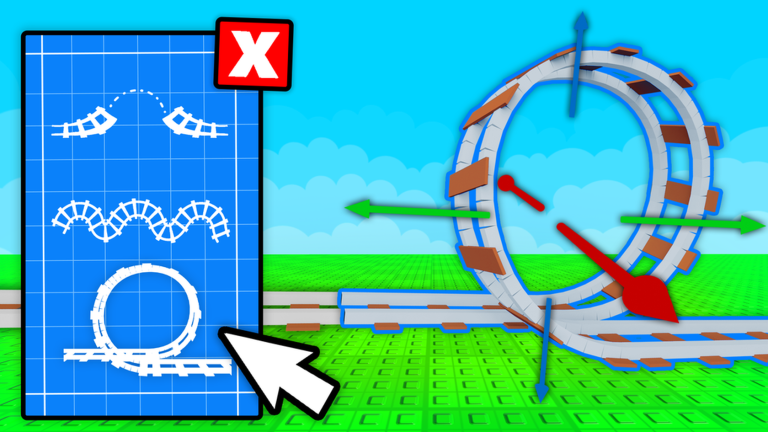
Players search for Create a Cart Ride scripts when Friday unlock sets feel grindy or when collecting every themed cart becomes a checklist obsession. This hub explains what common scripts claim to do, how people execute them, and why account safety matters more than finishing a cart board in one night. Continue with how to use scripts and best scripts for deeper detail.
What scripts usually target
Community scripts for Create a Cart Ride typically advertise some mix of:
- Auto teleport to cart pickup locations
- Collect-all-carts loops across published worlds
- Magnetic wheels or anti-derail helpers
- Speed or fly toggles on the cart
- Convenience GUIs for farming unlock progress
Feature names change often. Always read the feature list on best scripts and assume anything that touches teleports or inventory can be detected.
Scripts are not official tools
Just For Fun™ and Roblox do not endorse third-party executors. Using them can violate Roblox Terms of Use and may lead to moderation. This wiki documents the topic because players search it constantly—not because we recommend breaking rules. Prefer legitimate progress via codes, unlock carts, and skilled play covered in how to play.
Safer research checklist
- Prefer accounts you can afford to lose if you experiment.
- Never paste unknown loadstrings into system PowerShell or browser consoles outside a known executor workflow.
- Disable scripts that request password-like input.
- Stop immediately if an executor asks you to disable antivirus permanently.
- Keep learning legitimate mechanics: controls, how to build, and camera parts.
Pair scripts research with real guides
Even players who only “look up” scripts still need core knowledge: how V unstuck works, why oversized trains fail narrow tracks, and how Friday unlocks rotate. Use the tier list and unlock checklist so your legitimate progression stays organised whether or not you ever run a script.
Hub navigation
- How to use scripts — executor flow and safety
- Best scripts — feature-focused comparisons
- Codes Hub — free carts without automation
- Updates — patch timing that can break scripts overnight
Stay sceptical, keep backups of your progress notes, and remember that a well-built cart ride is more impressive than a GUI toggle.
Scripts versus skill transfer
Even if a teleport GUI finishes one Friday set, it teaches you nothing about next week’s hammer corridor. Players who learn recovery controls and cart sizing keep winning after scripts break. Treat automation research as optional trivia, not a progression plan.
If you still experiment, isolate risk on a secondary account, keep Windows updated, and never store Roblox passwords inside executor notes. Malware authors love cart-collect keywords because the audience is motivated and impatient. Prefer codes, checklists, and compact grind carts whenever the goal is simply owning more bodies.
Expanded session notes
If a script pitch sounds identical to last month’s “undetected” claim, assume the marketing recycled faster than the tool did.
Frequently Asked Questions
Quick answers to the most common questions.
Are Create a Cart Ride scripts safe?
No script is risk-free. Executors can violate Roblox rules and expose you to malware. Prefer codes and normal unlocks when possible.
Do scripts unlock every cart instantly?
Some advertise collect-all or teleport farms, but results vary by patch and can break after Friday updates.
Where should beginners start instead?
Redeem codes, learn controls, then follow the unlock carts and how to play guides before considering any automation.